
NO APP STORE NEEDED
Mo Chinese in your pocket.
Install it straight from your browser. It opens full screen from its own icon, with the same account, your stories and your progress.
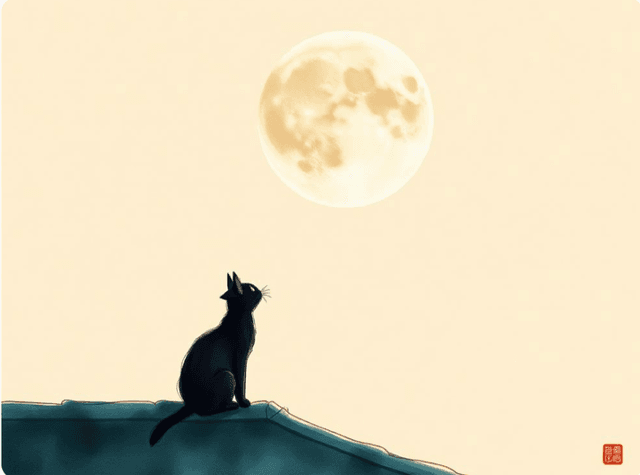
今天晚上的月亮特别大。
月亮 yuèliang
How to install it
iPhone and iPad
- 1Open mochinese.com in Safari.
- 2Tap the Share button, the square with an arrow pointing up. In some versions it's inside the “···” menu.
- 3Choose “Add to Home Screen” and tap “Add”.
Android
- 1Open mochinese.com in Chrome.
- 2Open the ⋮ menu and choose “Install app” or “Add to Home screen”.
- 3Confirm with “Install”.
Computer
- 1Open mochinese.com in Chrome or Edge.
- 2Click the install icon at the end of the address bar.
- 3Confirm with “Install”.
The first time you open the app, you'll need to sign in. It needs an internet connection, just like the website.